

WordPress
Demo Import
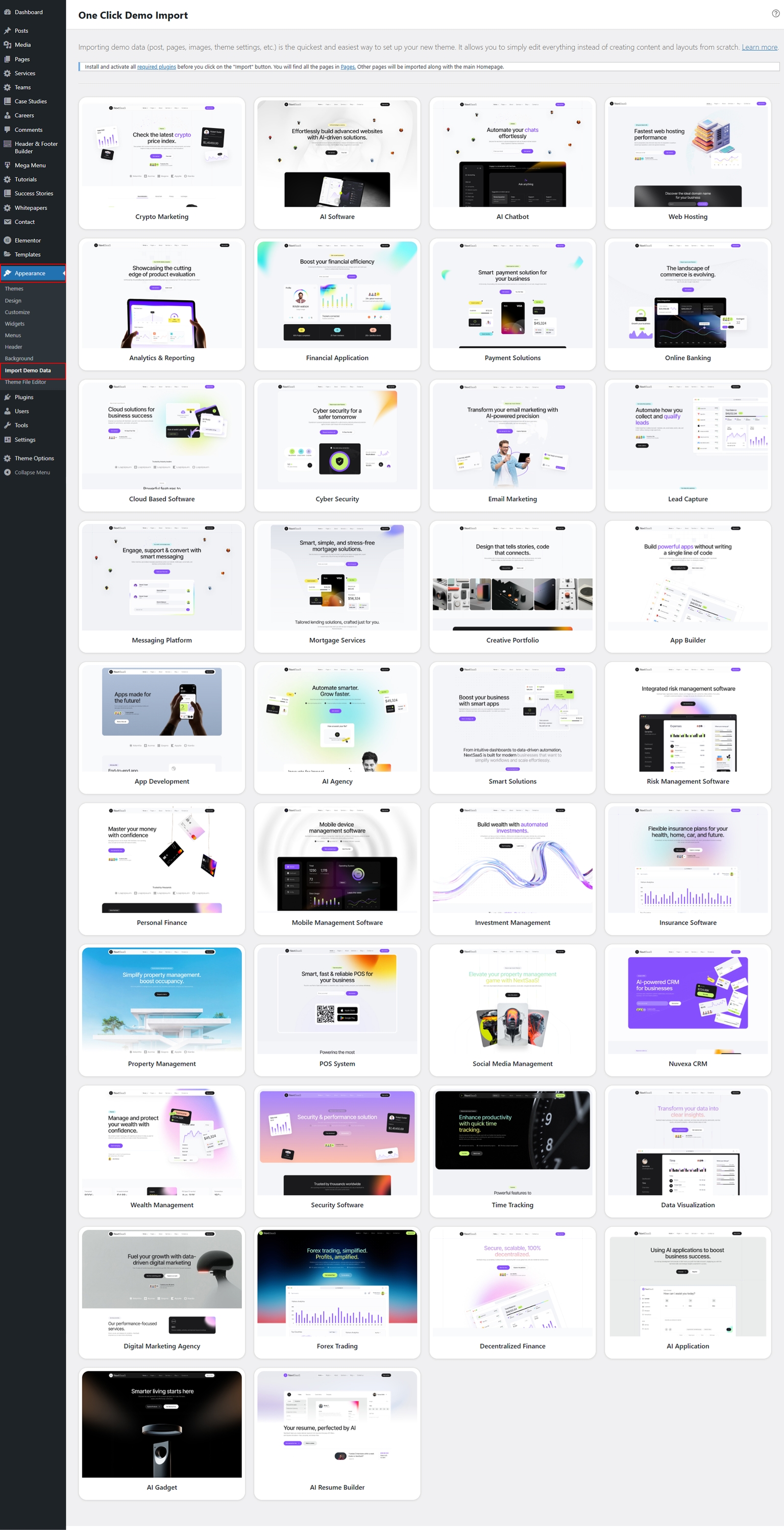
Import one of the Nexsas demos using one-click importer.
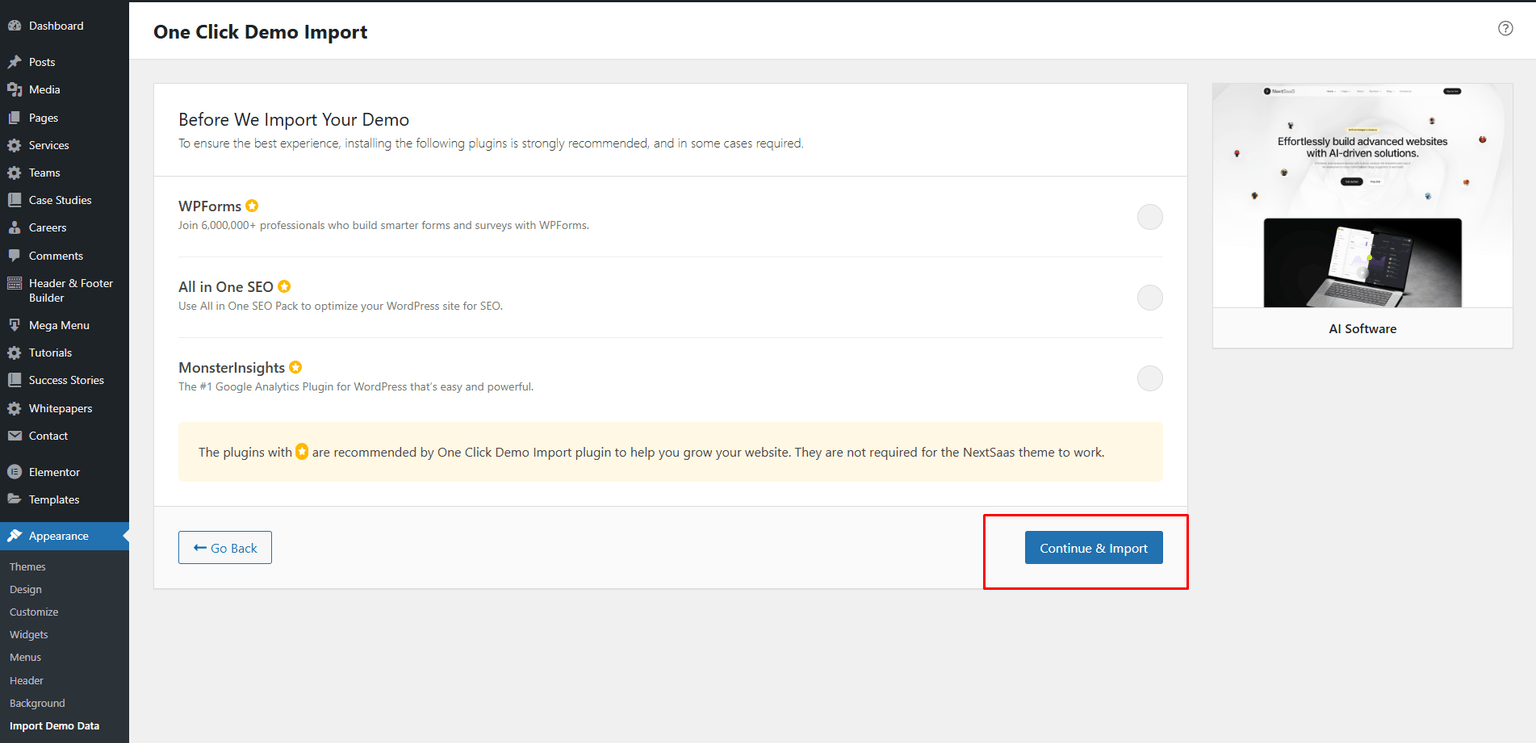
After activating the theme, install and activate the suggested plugins (they can affect the import process). You can find them at the top of the dashboard or under Appearance → Install Plugins.
Nexsas includes 45 professionally designed website demos that you can import with one click.
After importing demo data, reset permalinks to avoid unexpected issues. Go to Settings → Permalinks and click Save Changes without changing anything.
All of your old data will be removed if you use this function.
Follow the on-screen steps and you’ll get a site like the demo.