
WordPress
Template Library
Use Nexsas templates inside Elementor to build pages faster.
Nexsas includes a Template Library integrated into Elementor, with professionally designed blocks and full page templates.
Overview
Access the library inside the Elementor editor to browse, preview, and insert templates.
Accessing the template library
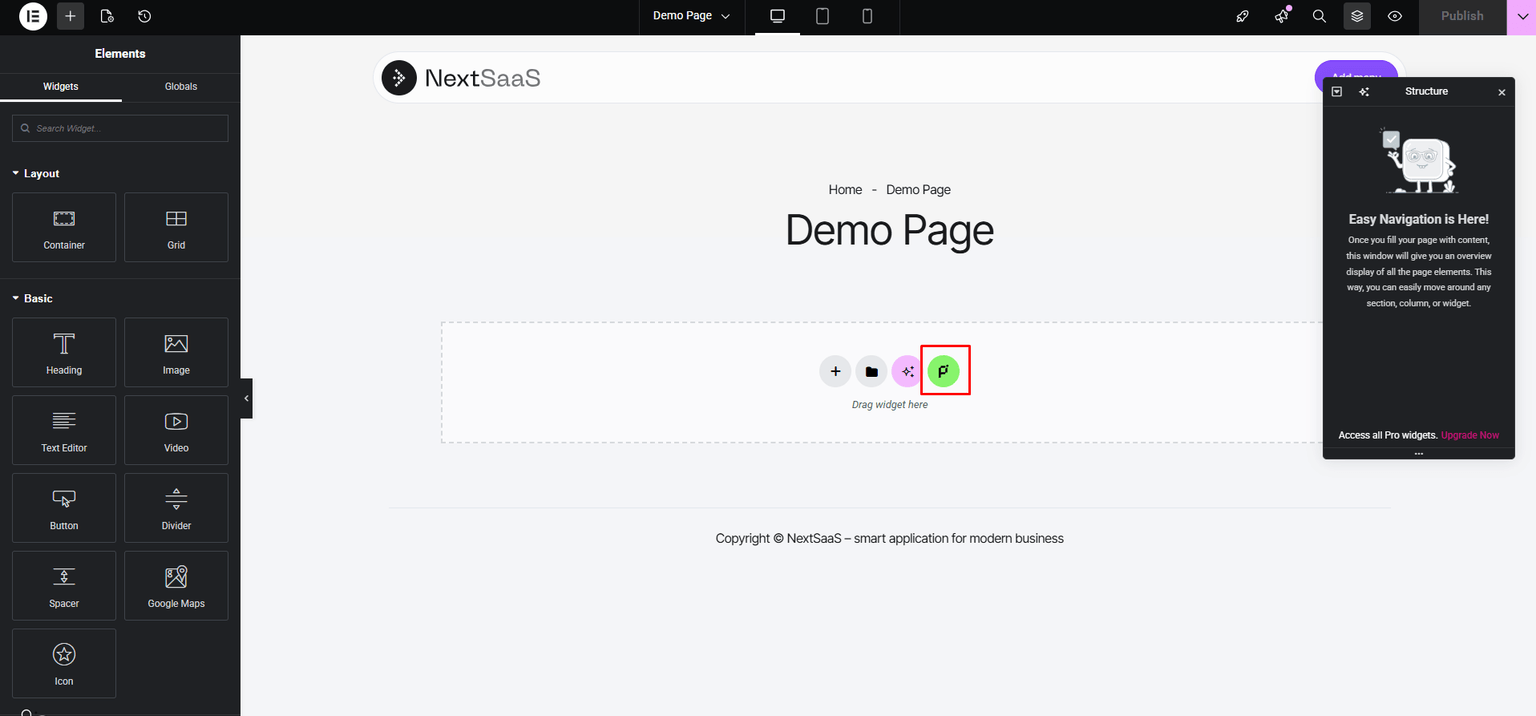
- Edit any page with Elementor
- Click the pixels71 icon in the Elementor toolbar
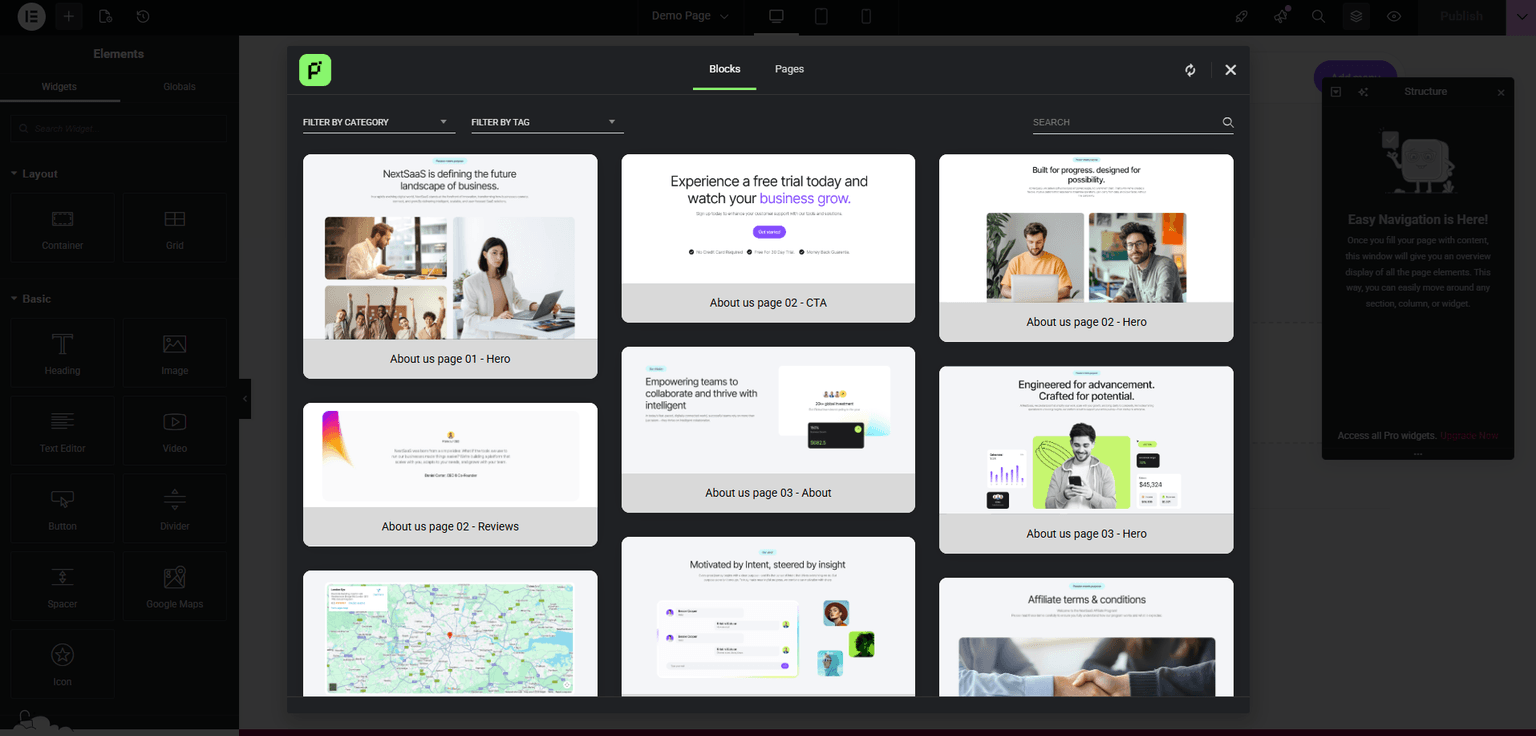
- Browse Blocks (sections) or Pages (full pages)
Filters and search
- Filter by category (Hero, About, Services, etc.)
- Filter by tag (Modern, Dark, Light, Minimal, etc.)
- Use the search bar to find templates
Using blocks
To insert a block:
- Open Template Library
- Select Blocks
- Browse or search
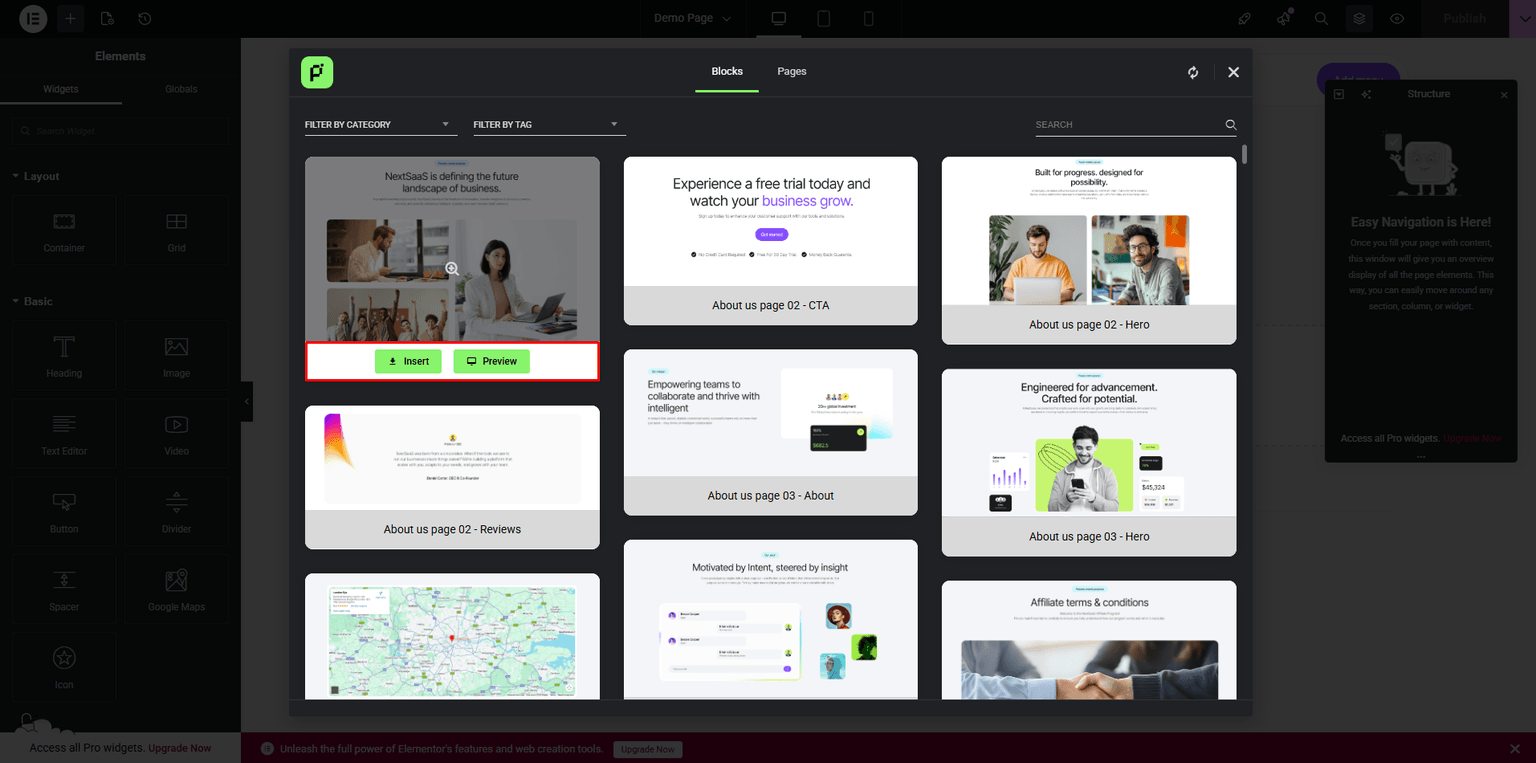
- Preview if needed
- Click Insert
Previewing:
- Hover a thumbnail for a larger preview
- Click the Preview (eye) icon for full preview