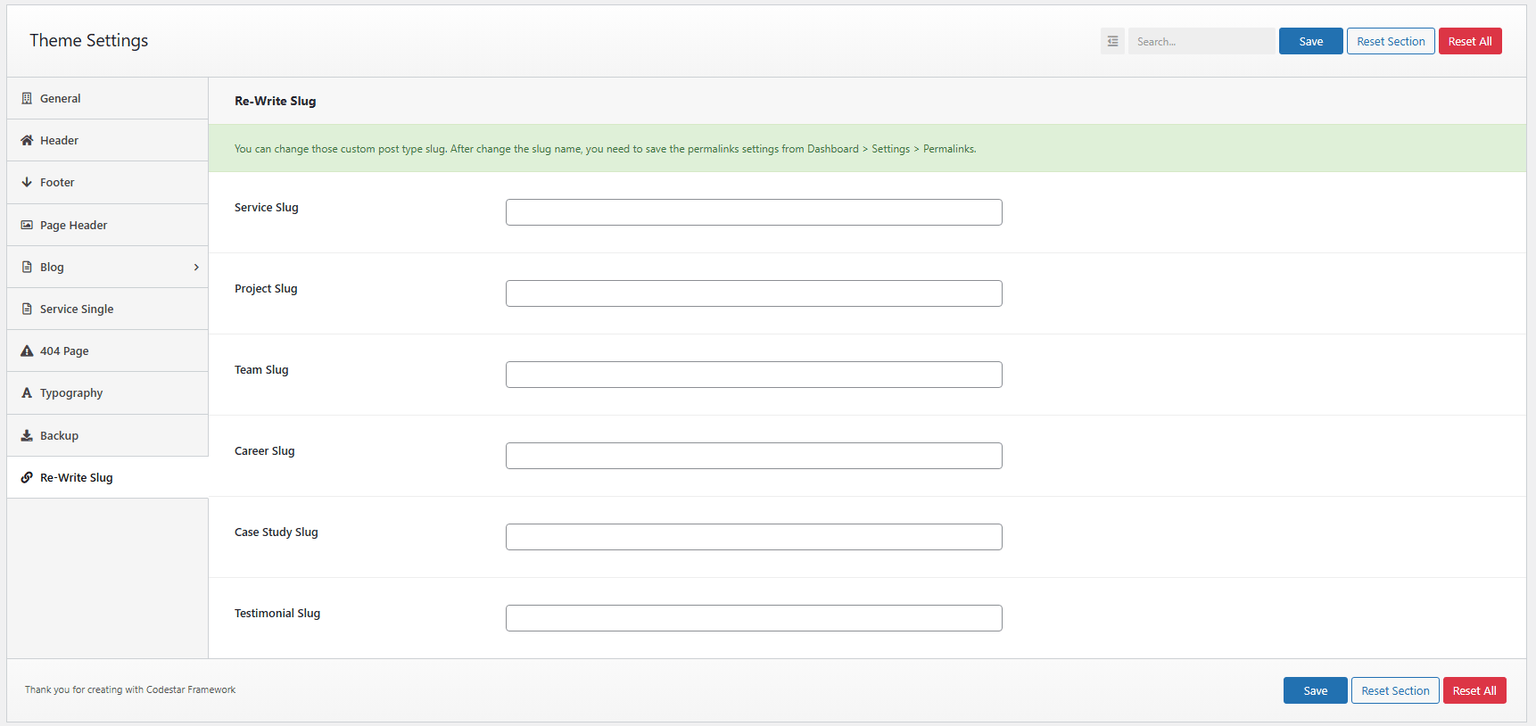

Theme Options
All theme options work globally. If you override an option in a page’s meta options, the global theme option won’t apply for that field.
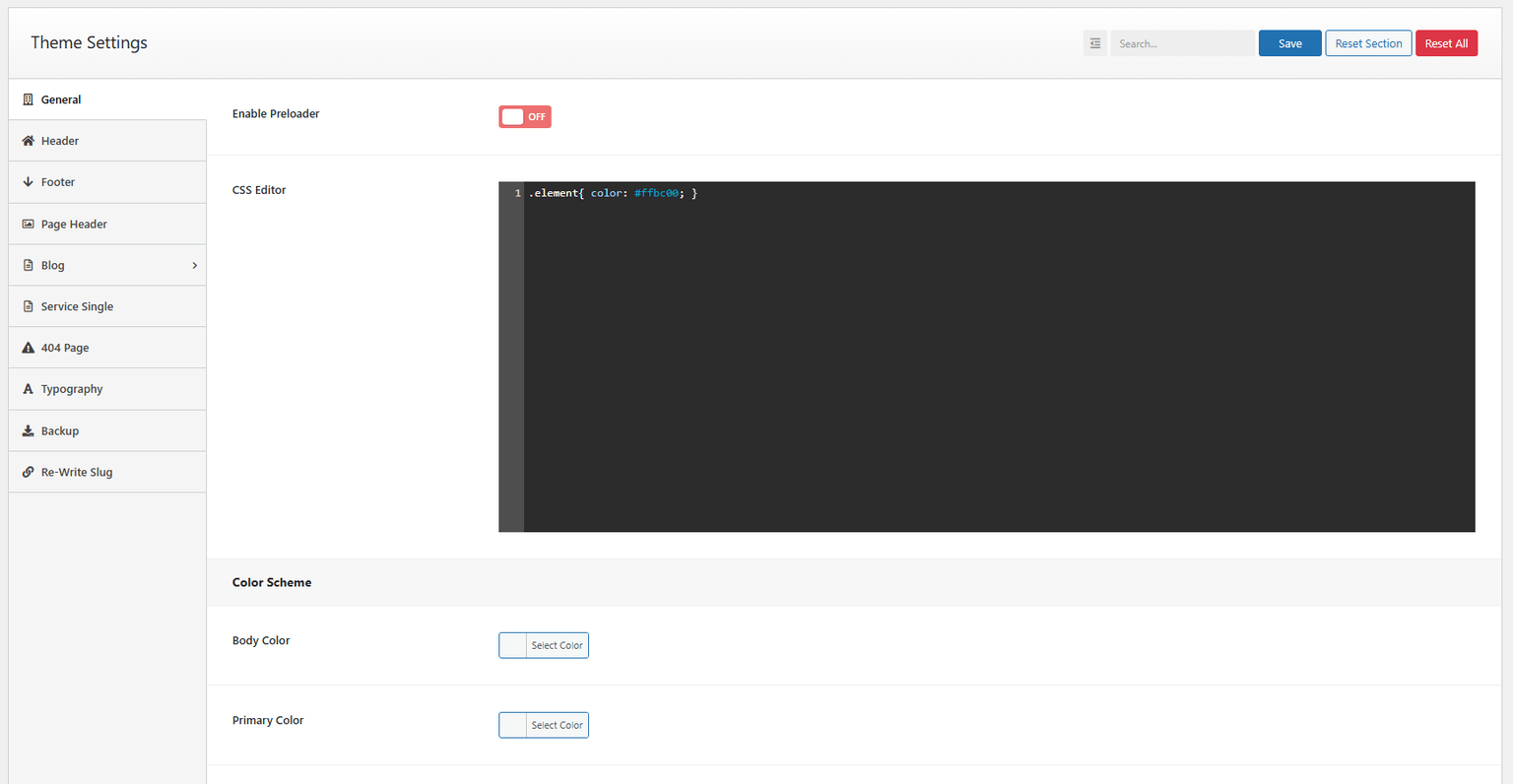
Preloader
Toggle the preloader on/off. You can choose image or text type and adjust styling options.
CSS editor
Add custom CSS overrides that are stored in the database, so you can update the theme later without losing CSS changes. You can also set default color scheme options here.
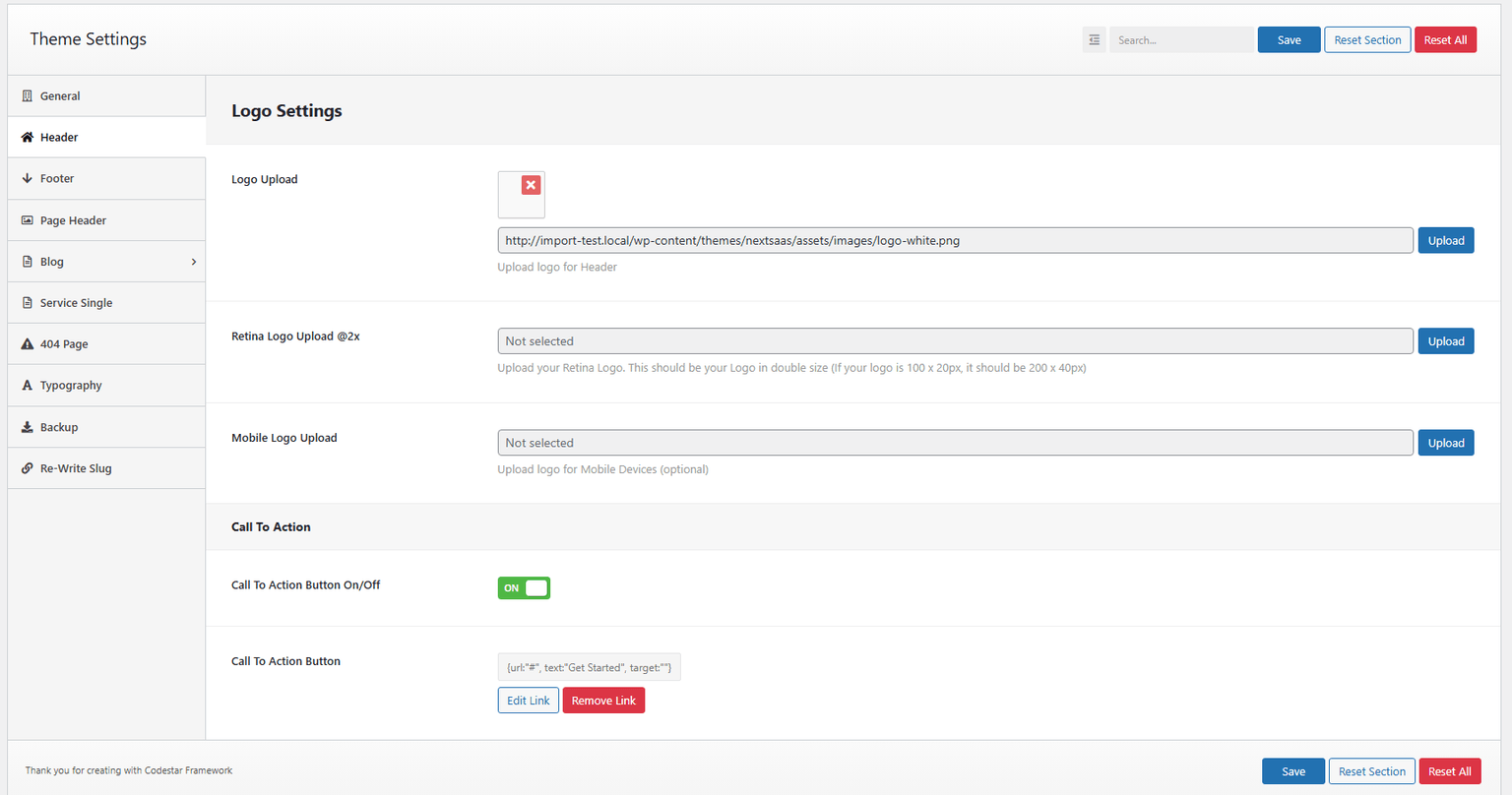
Header settings
By default, your site comes with one header style. If you create a custom header using Header Footer Builder, it will appear here. You can also upload your logo.
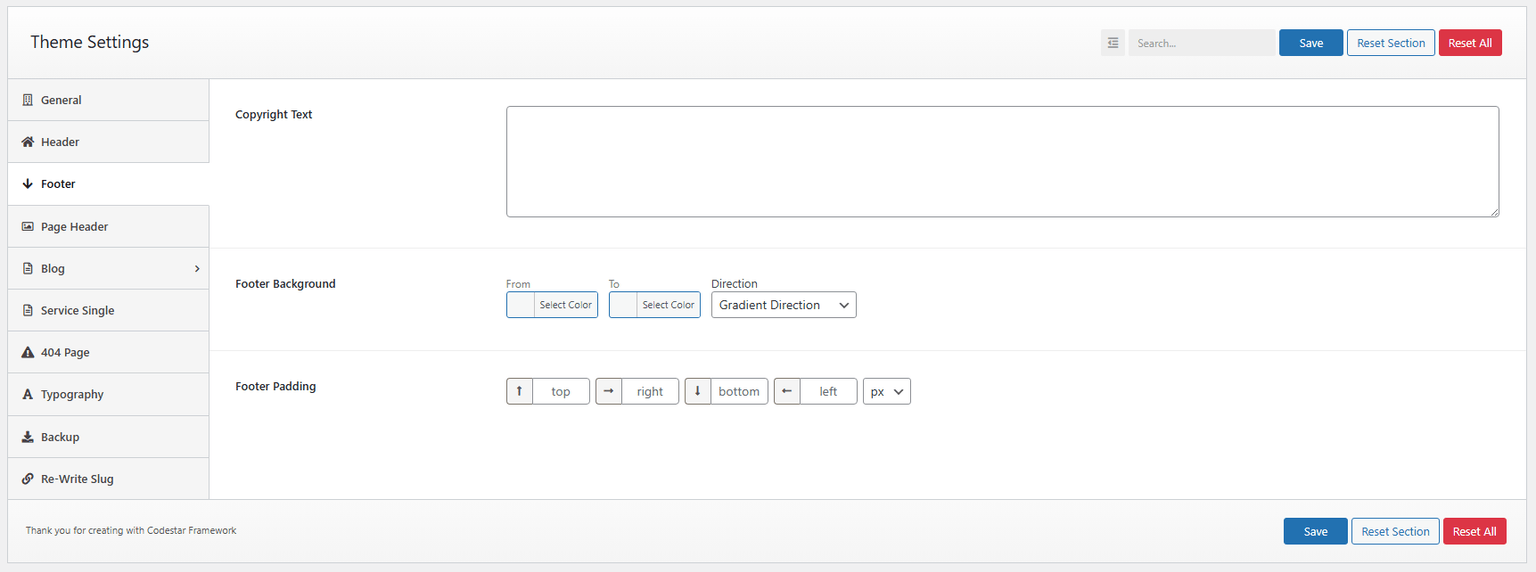
Footer settings
Customize footer copyright text and color, or assign a custom footer from Header Footer Builder.
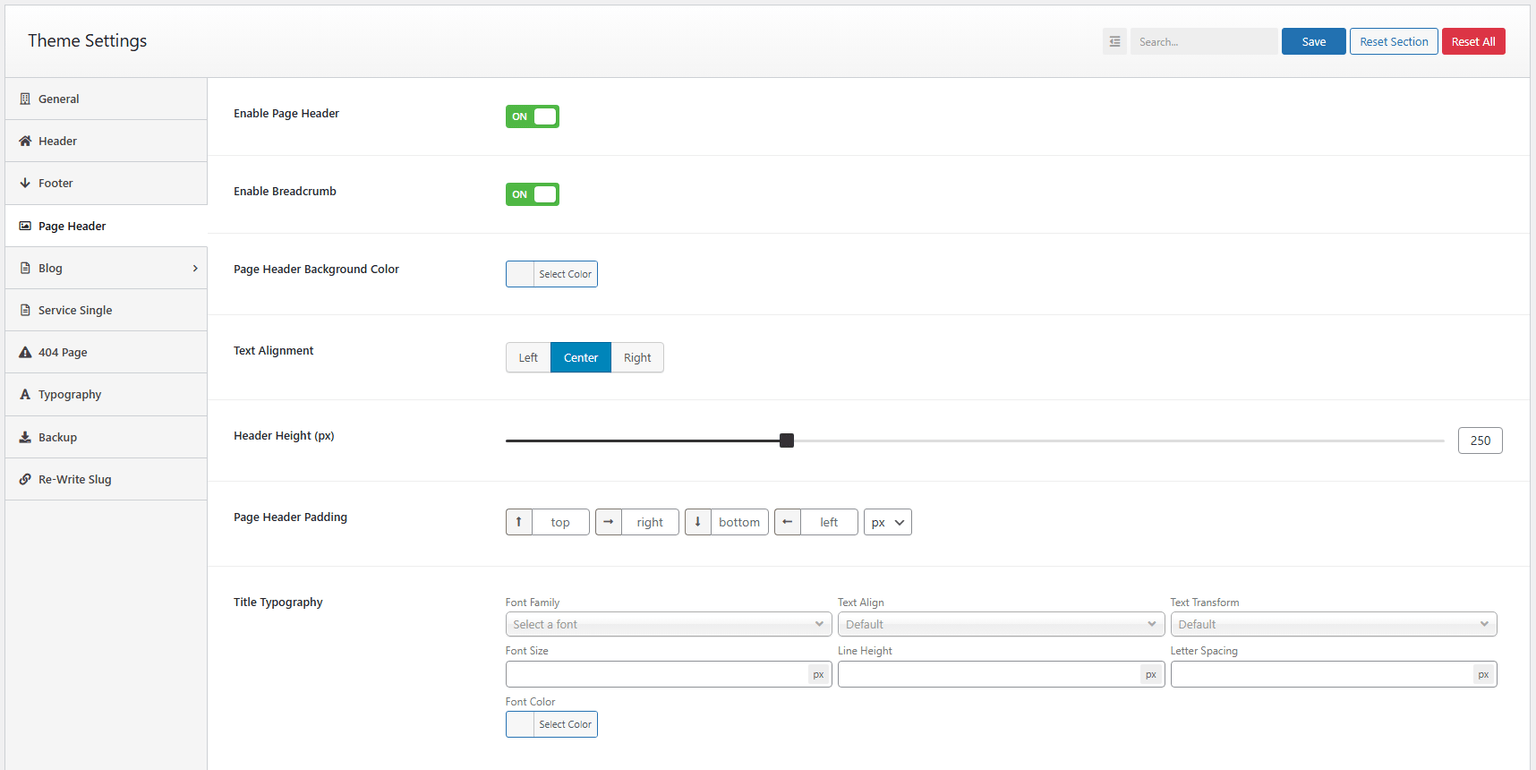
Page header
Enable/disable page header and breadcrumbs. Customize background, padding, and typography.
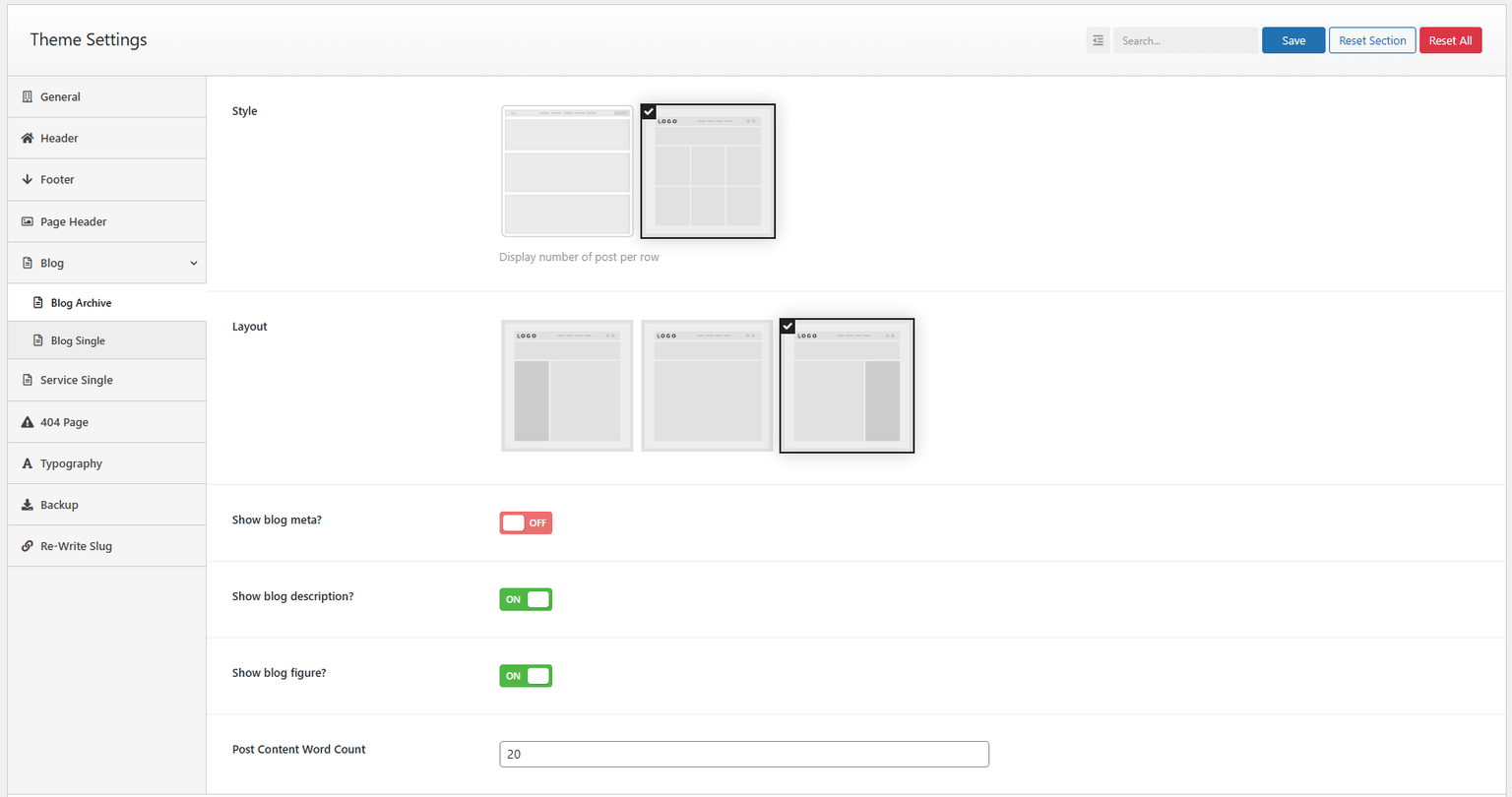
Blog archive
Configure grid/masonry layouts, sidebar position, and columns. Edit sidebar widgets under Appearance → Widgets → Sidebar Widget.
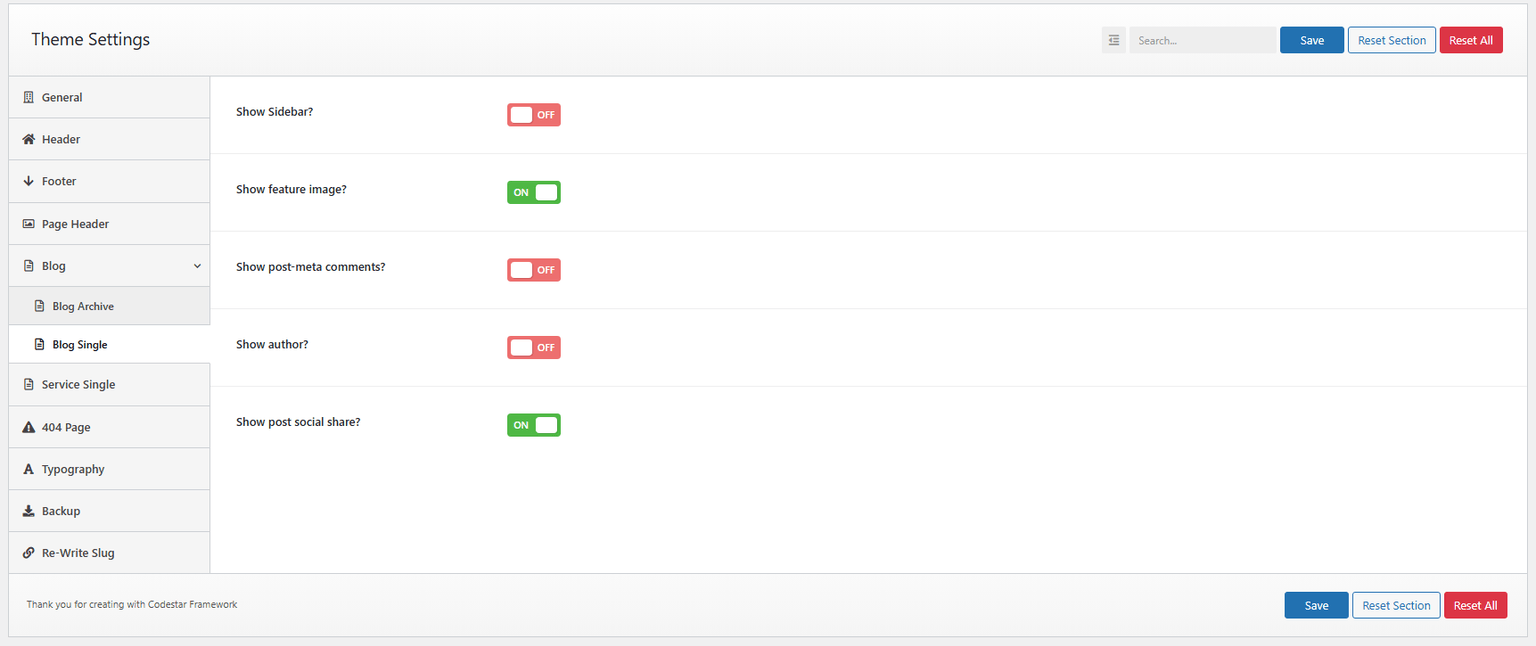
Blog single
Configure layout and sidebar. Toggle featured image, meta, comments, date, navigation, author bio, etc.
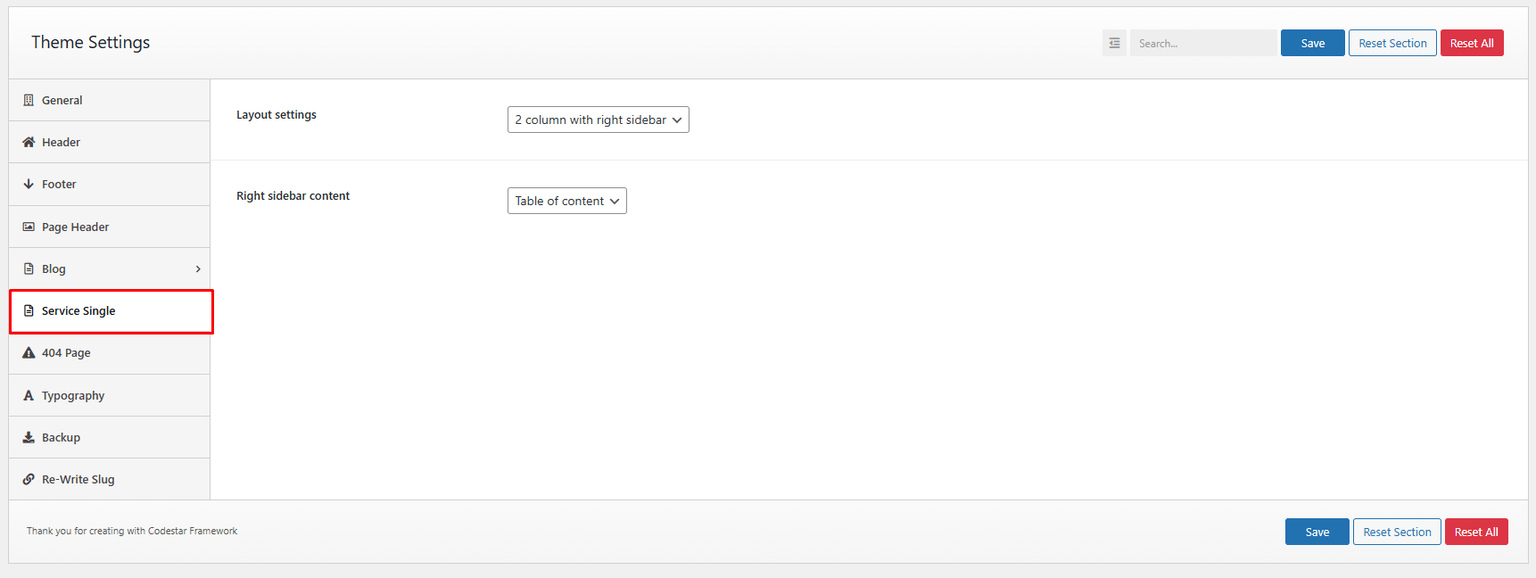
Service single
Configure layout style and sidebar.
404 page
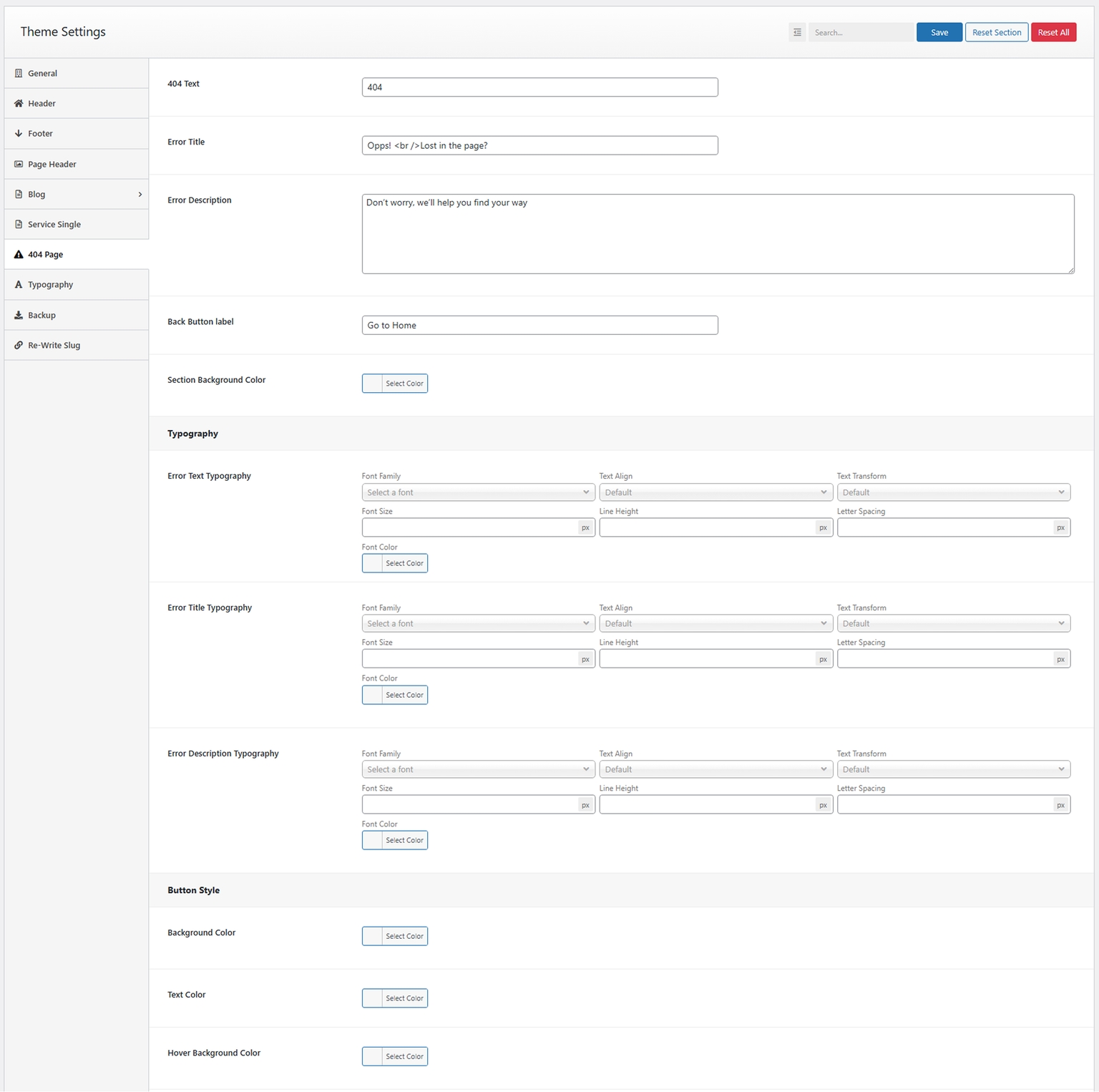
Set up a custom 404 page and styling, or build one via Header Footer Builder.
Typography settings
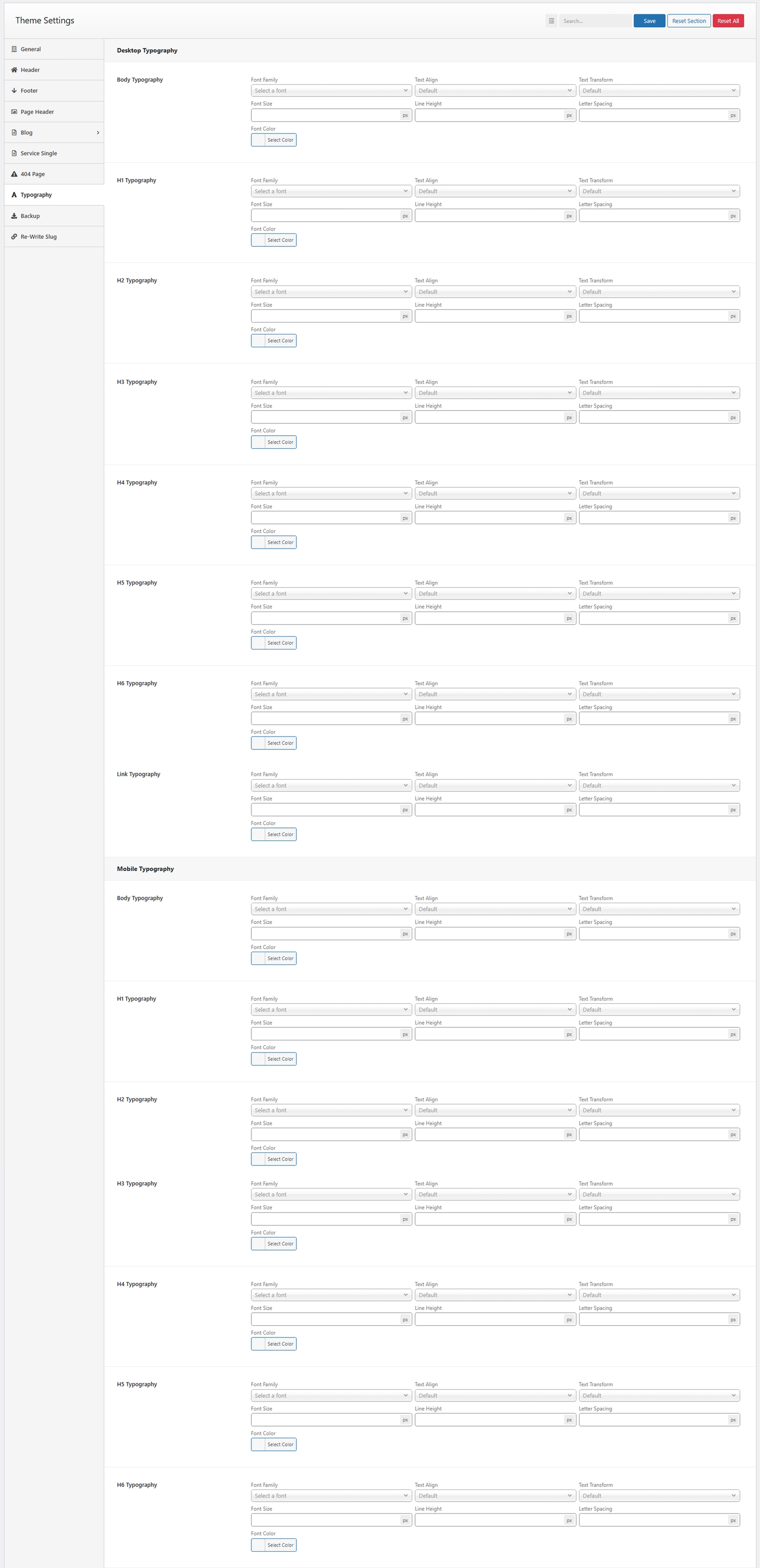
Change fonts (default/Google), font sizes, font colors, and heading sizes.
Backup
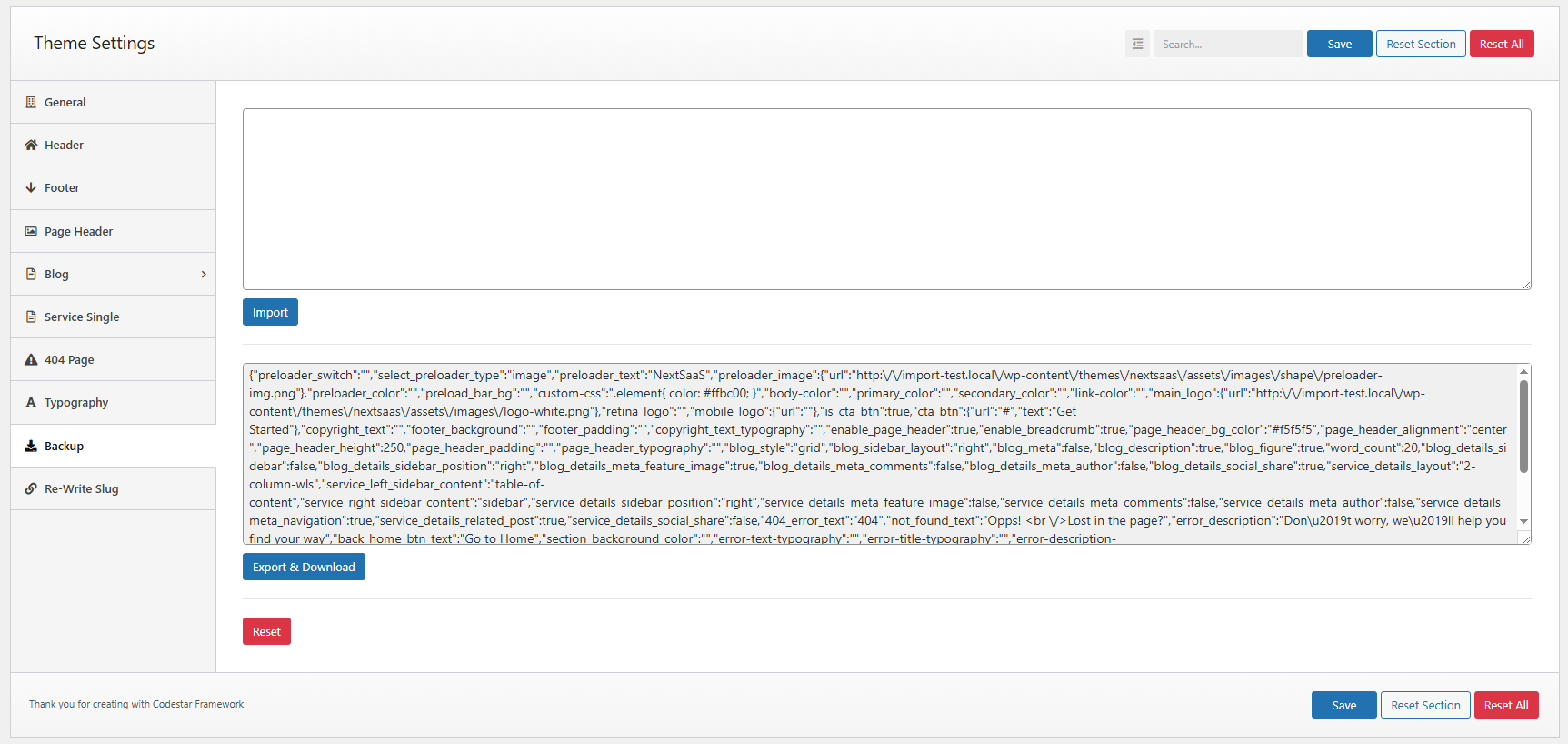
Import/export theme options (raw data or file).
Re-write slug
Change custom post type slugs.