
All the Theme Options are below
All of the theme options work globally but when you use the page option from the page meta then the Theme option will not work for this field.
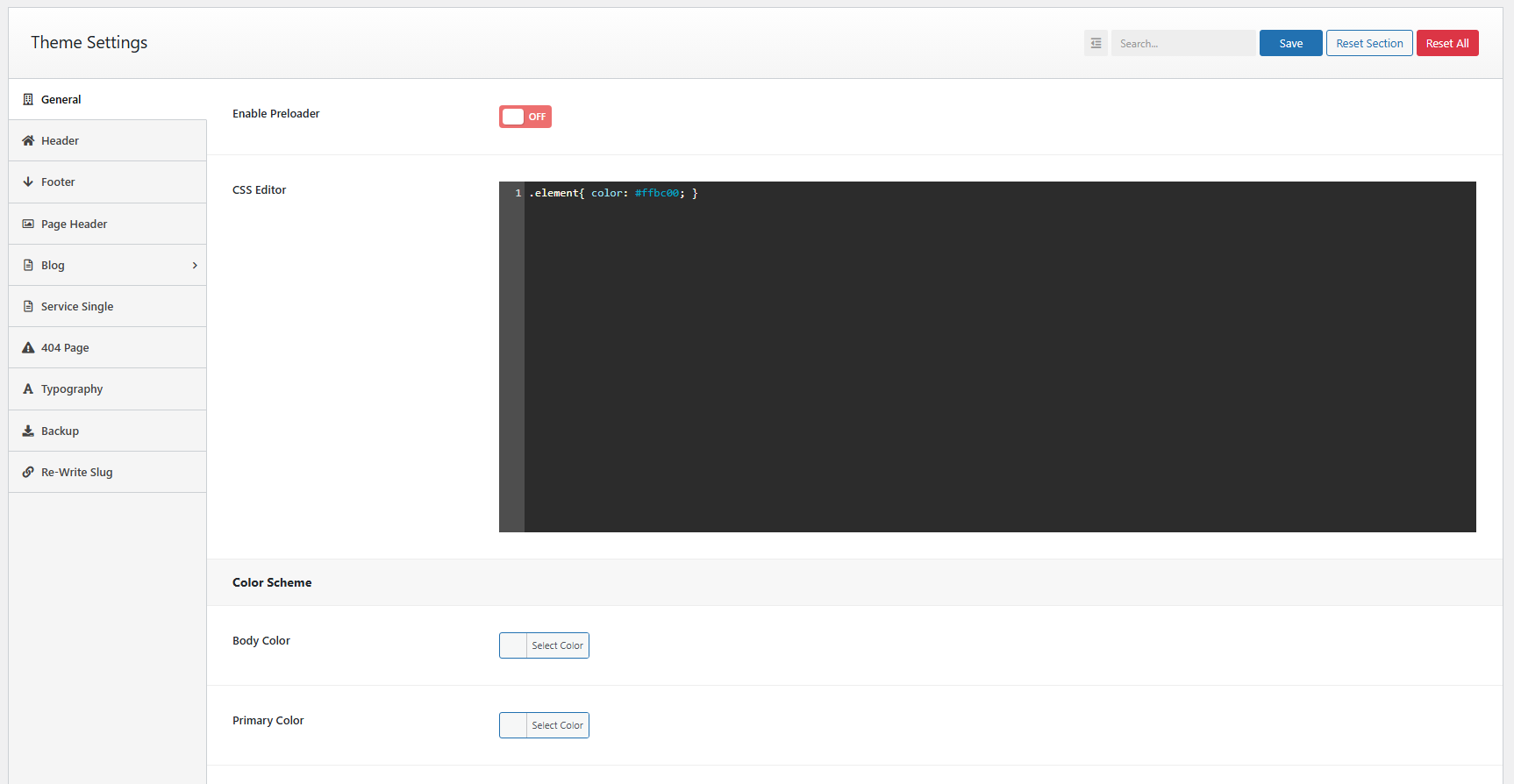
Preloader#
You can turn off/on the Preloader. By default it’s turned off. We have two options for pre-loader. One for image and another for text. You can see the pre-loader type selection options after enabling the pre-loader. There are few more options added to styling the pre-loader as you need.
CSS Editor#
You can use Custom CSS style if you want overwrite style of theme and your customize code keep in database so you can update theme in future without change. Also, you will get Default color scheme options in this screen.
Header Settings#
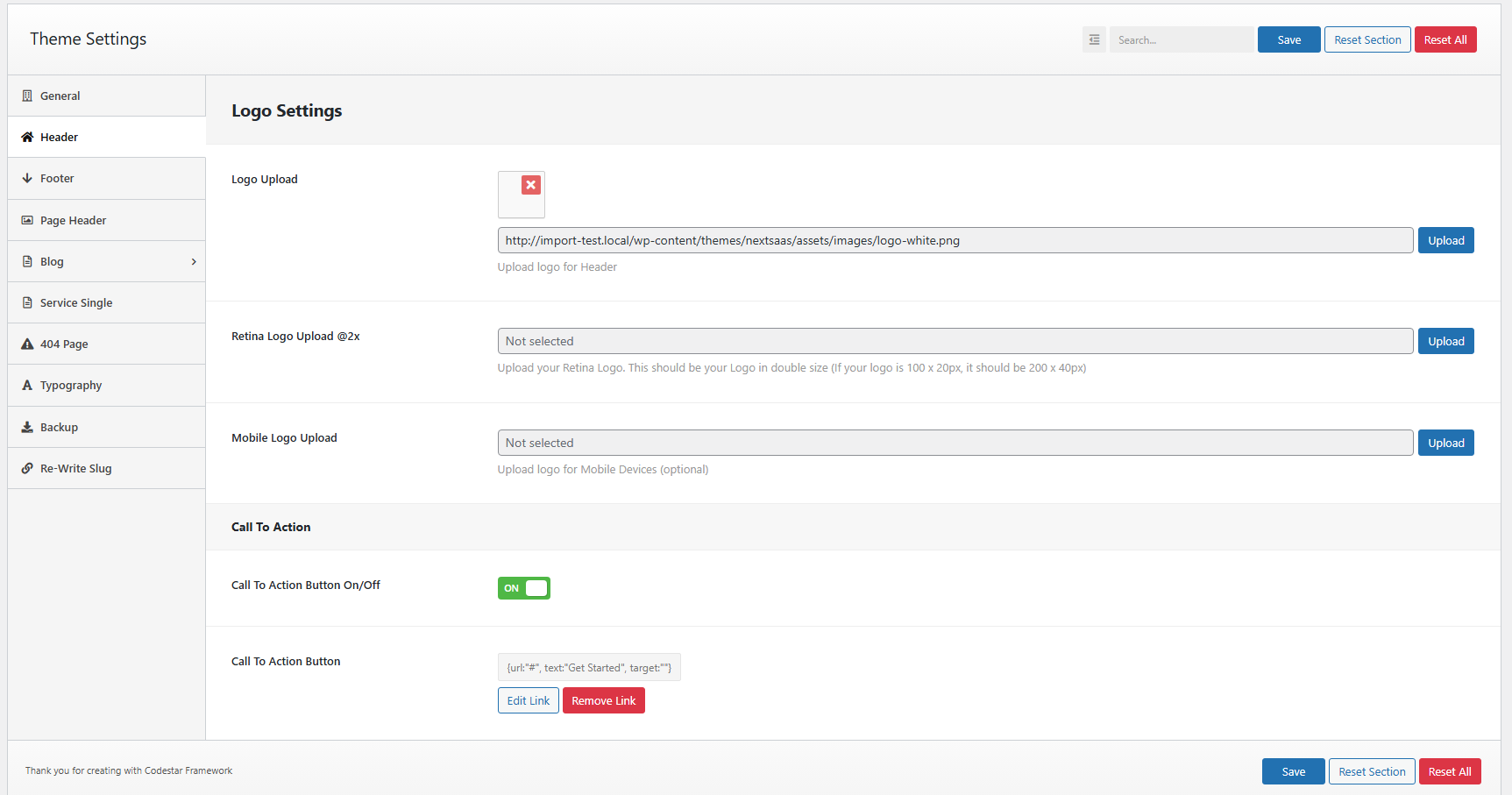
By default, your site comes with one header style. However, if you create a custom header using Header Footer Builder, it will automatically add in the header.
You can also upload your brand logo directly from this screen.
Footer Settings#
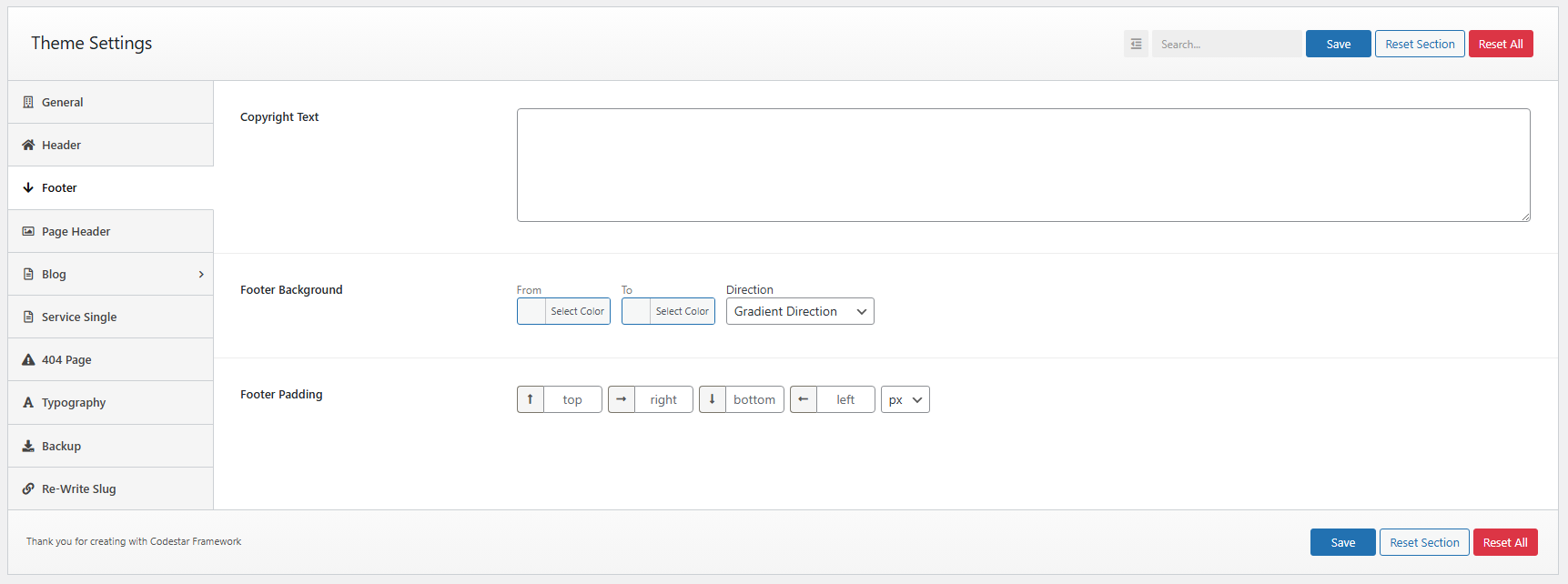
From Footer settings you can customize your footer copyright text and it color.
If you want custom fooer then you can add Footer from Header Footer Builder. There you can add Footer as you want.
Page Header#
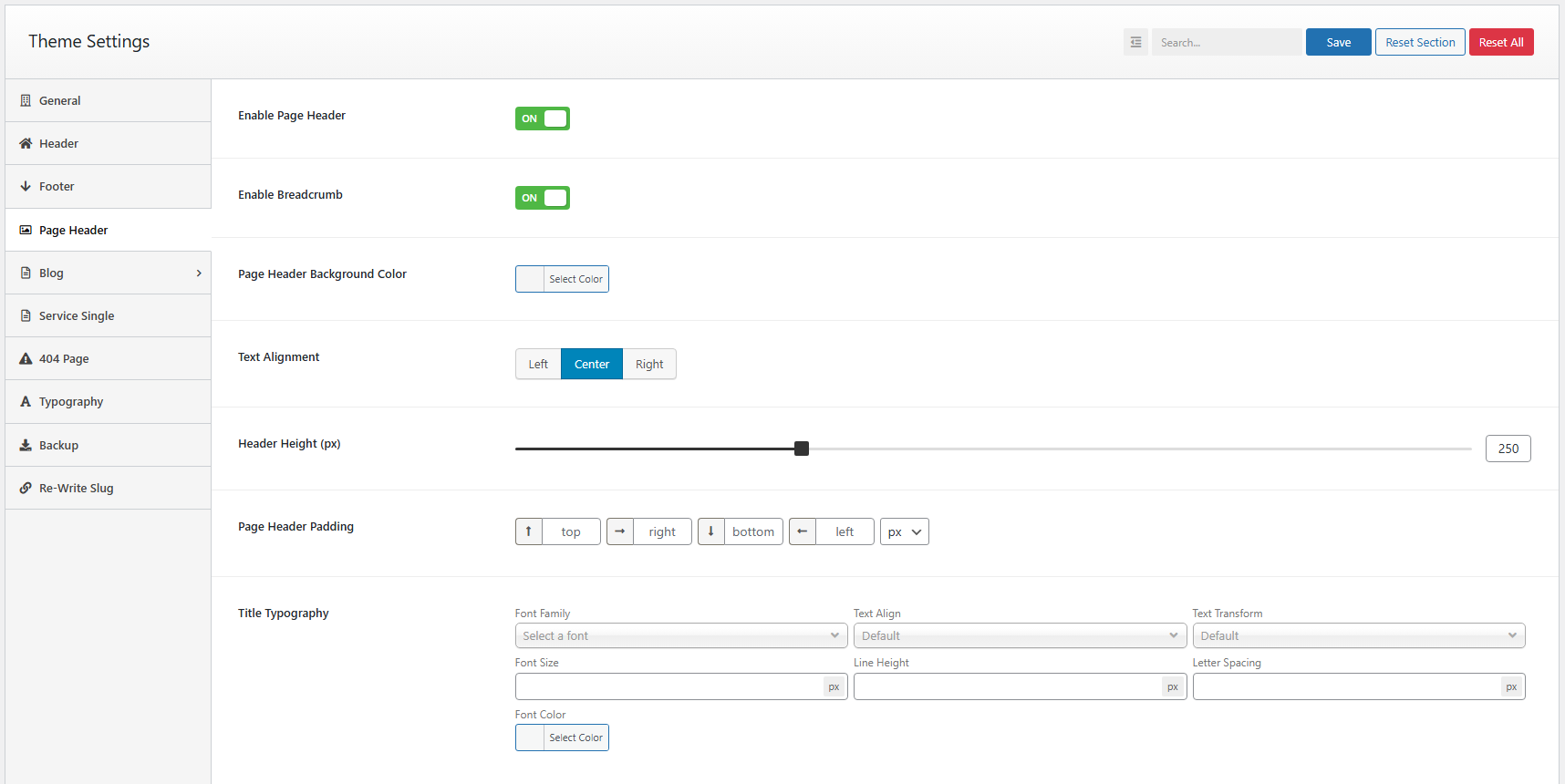
From Page Header setting you can turn off and on your page header. You can also enable or disable you breadcrumb.
Also you can customize your page header backgroun, padding etc.
Want to tweak the text styling? No problem! The Typography settings let you fully control the look of your page headings.
Blog Archive#
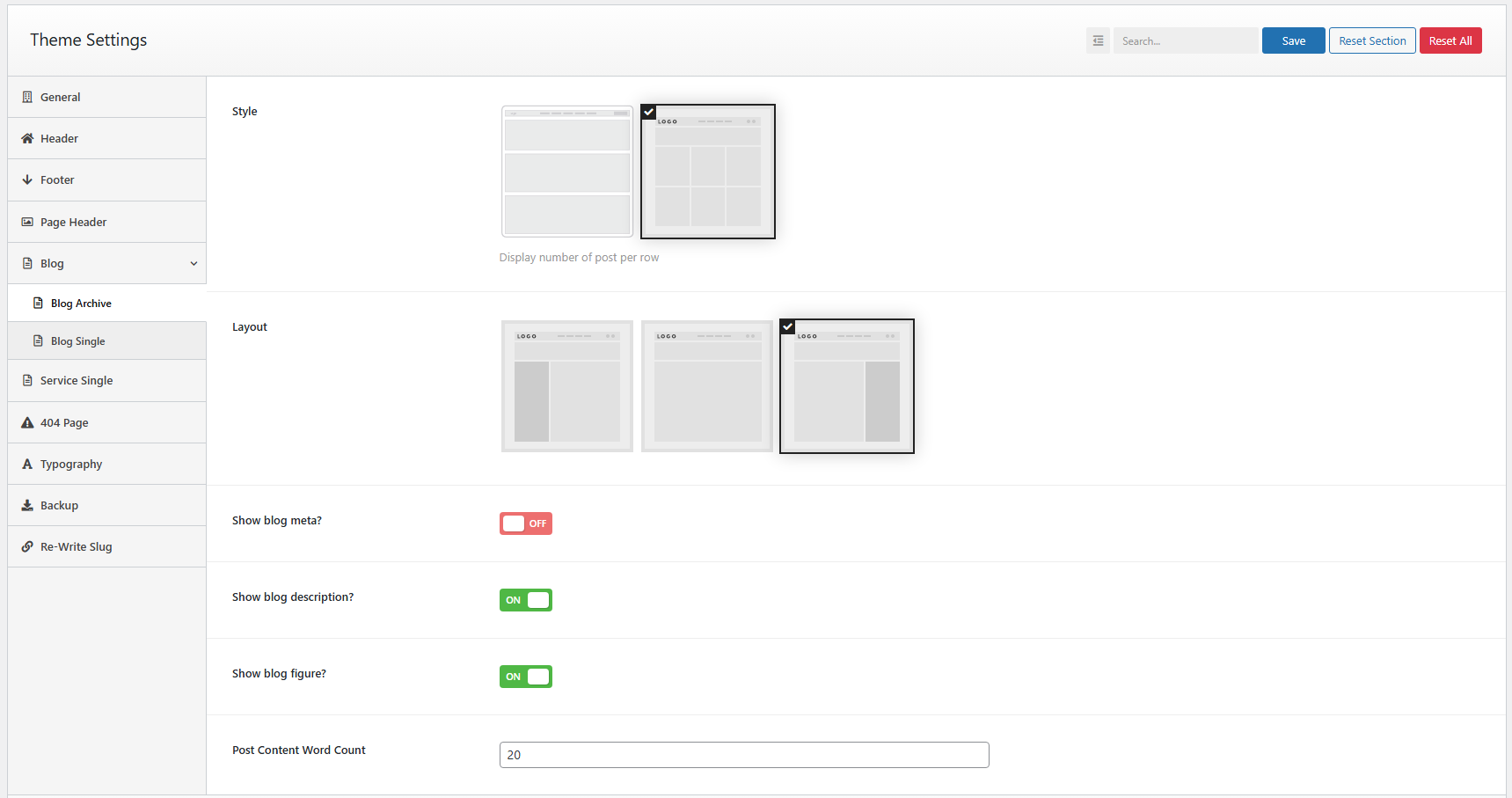
You can set up a blog page display as a grid or masonry layout with left sidebar,right sidebar or no sidebar. When you enable the grid option then the column option will be visible and there you can select the column layout as you need.
You can edit blog sidebar by navigate to Appearance > Widgets > Sidebar Widget
Blog Single#
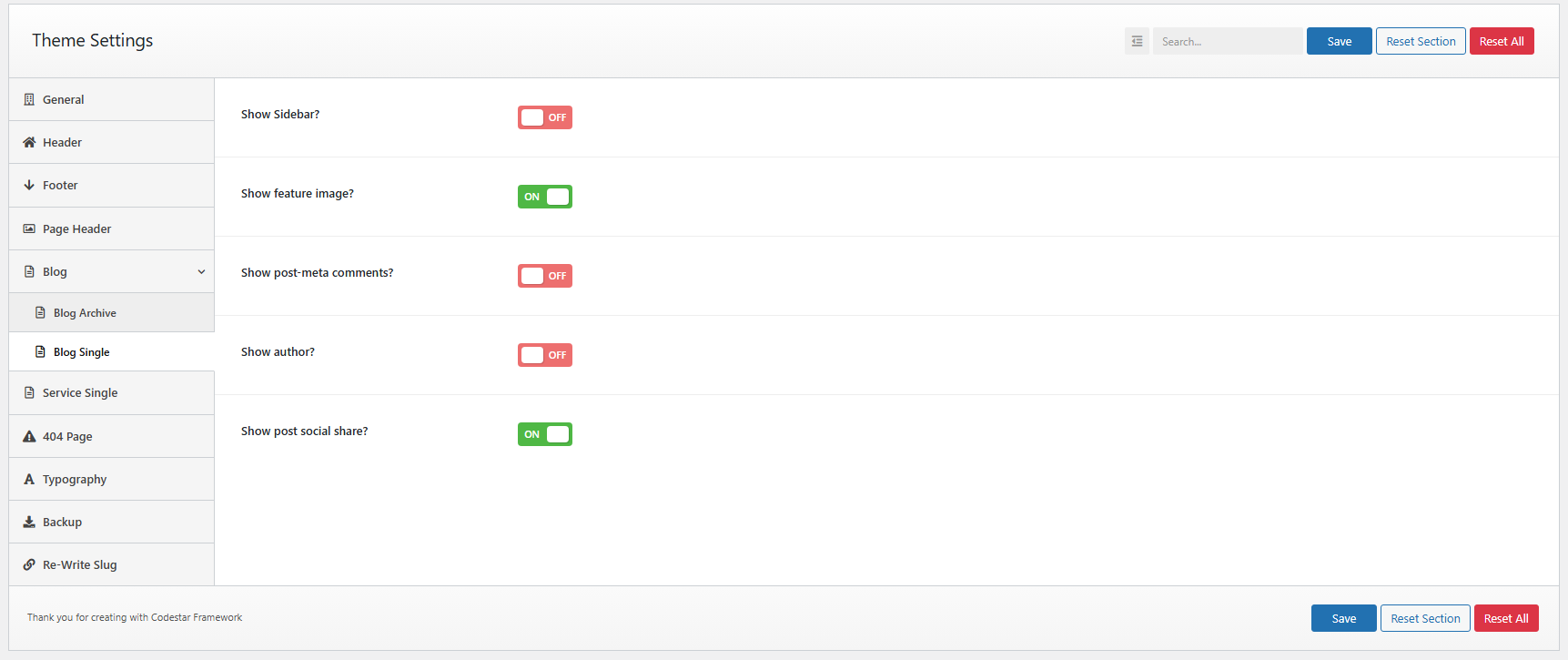
In the Blog Single page layout option you will have the options to set layouts style and sidebar position. Also, you will be able to enabling/disabling the Featured Image, Author post-meta, Comments post-meta, Date post-meta, Post Navigation, Display Author Bio.
Service Single#
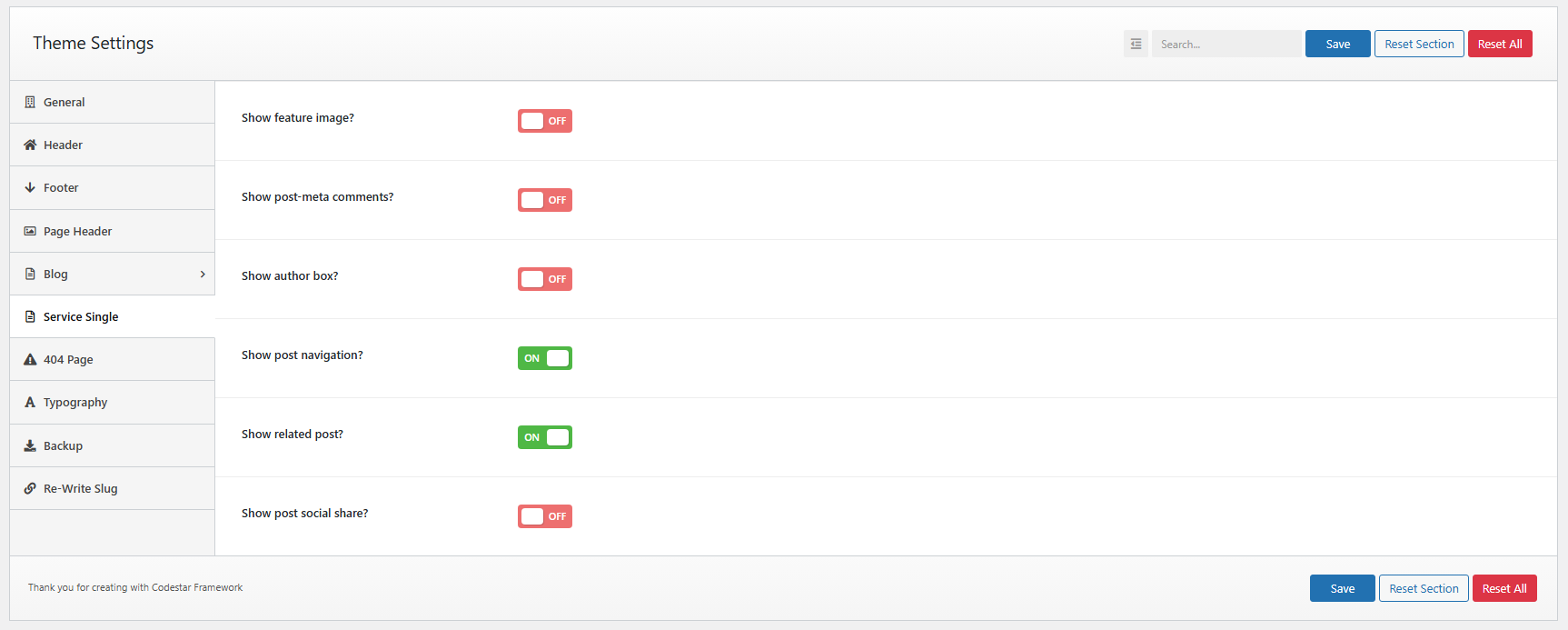
In the Service Single page layout option you will have the options to set layouts style and sidebar position.
404 Page#
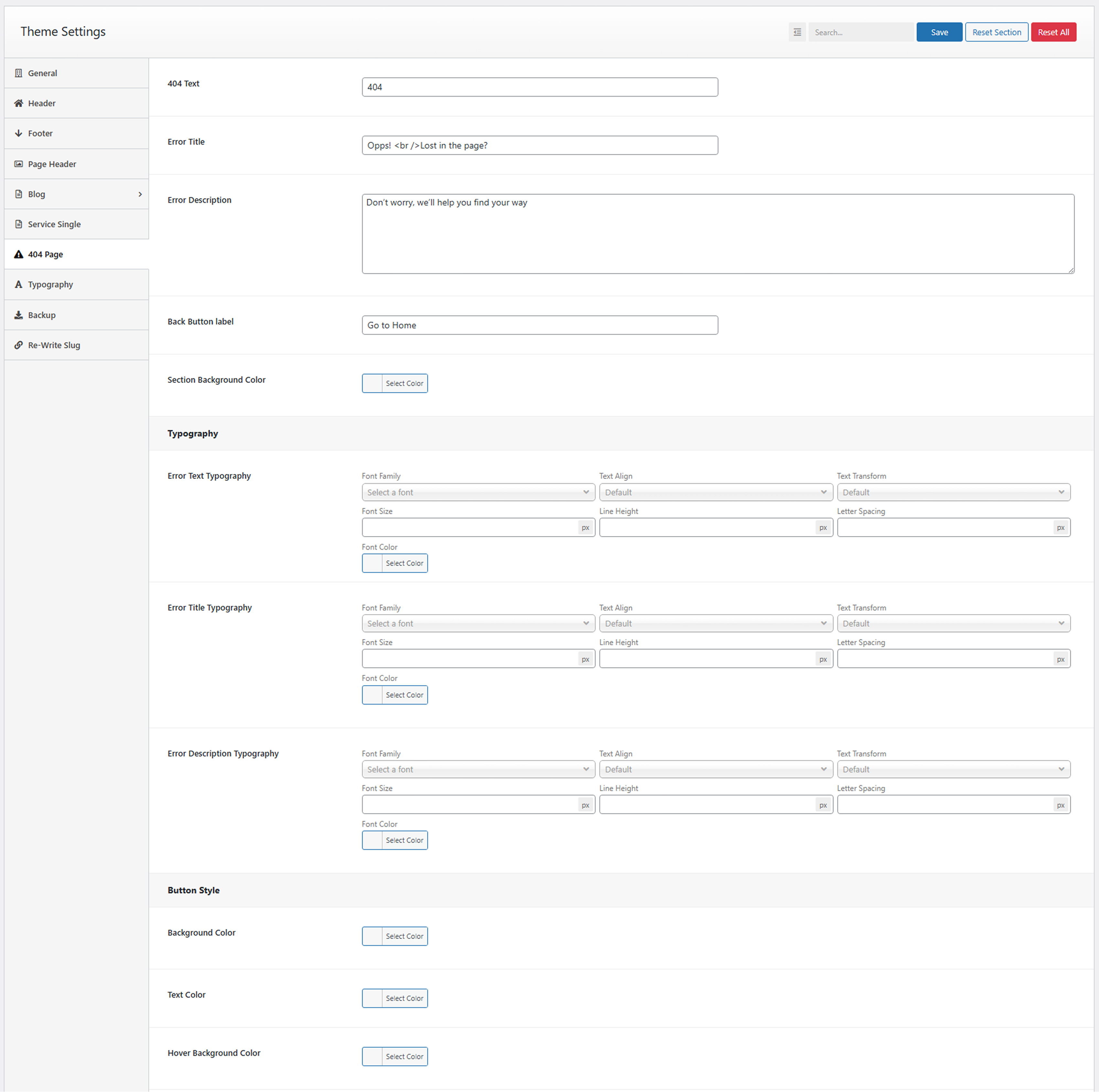
You can set up a 404 Page with custom content and also add a custom style of your content.
You can also build you custom 404 page from Header Footer Builder.
Typography Settings#
You can change font family use default fonts, Google fonts, change font size, font color, heading font size

Backup#
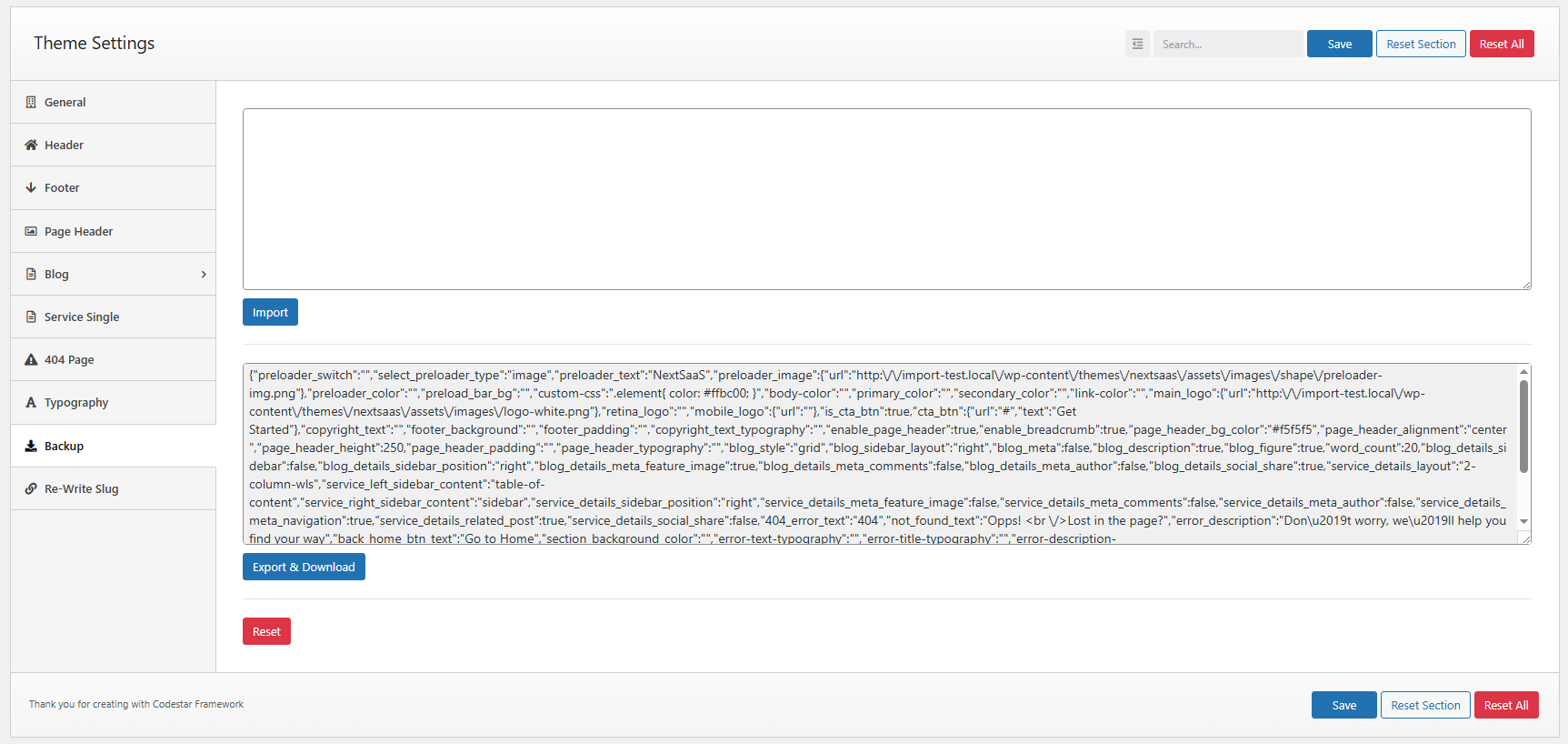
The Import/Export feature offers users the ability to back up and restore their Theme options data two ways: raw data or file.
Re-Write Slug#
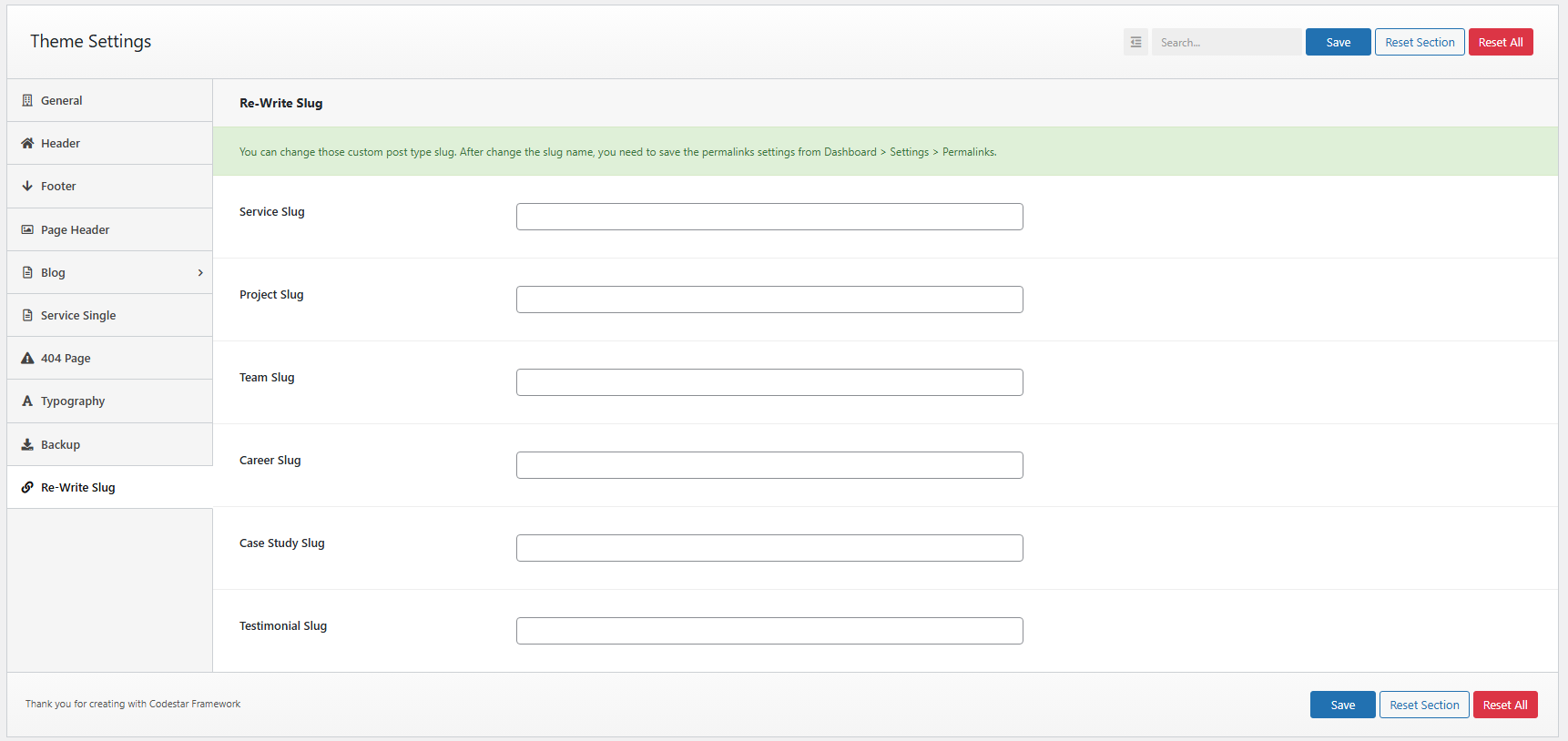
When you want to change the custom post type slug then you can use this option to change the custom post type slug.
Note: You must save the permalink option after changing the slug name.